Photo Editing

What-Is-Photo-Cut-Out-Service

What Is Photo Cut Out Service? Types, Complexity & Use Cases

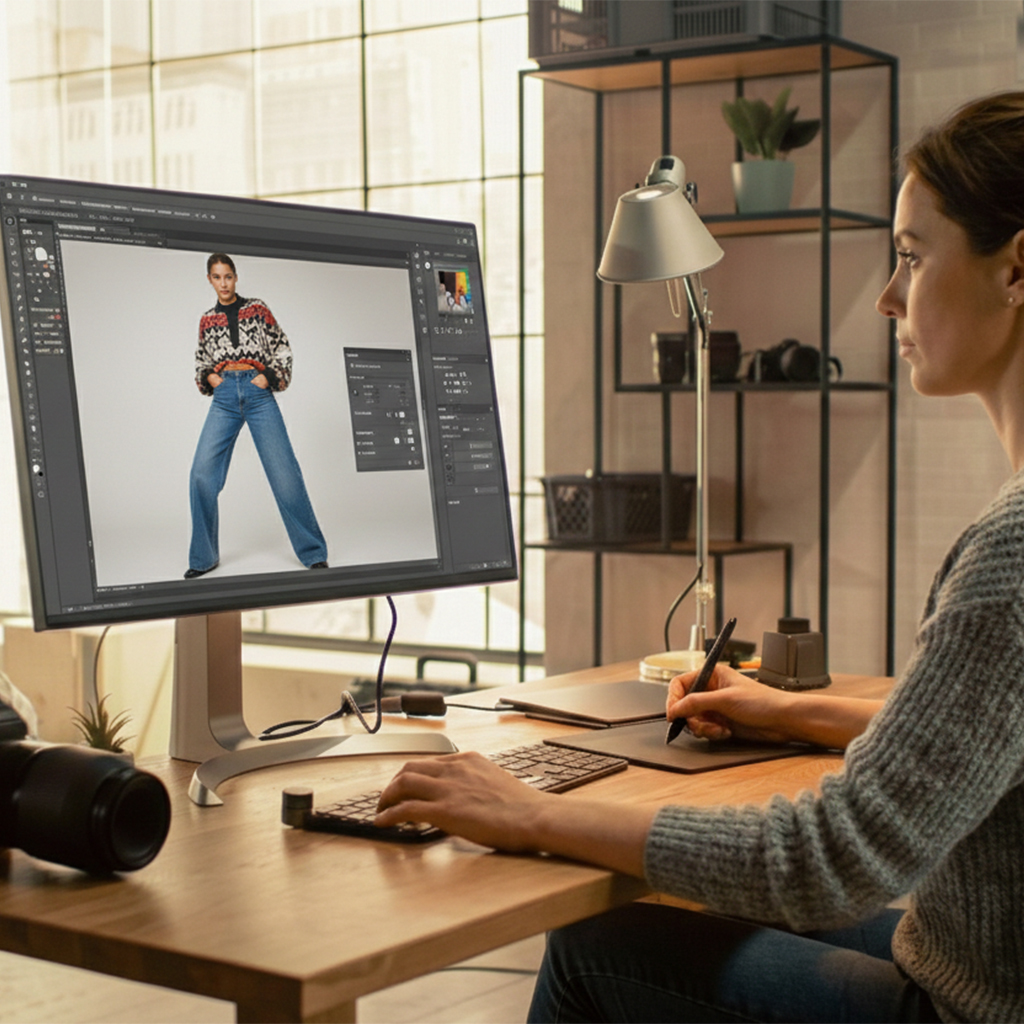
Photo cut out service is a professional image editing solution that isolates subjects from photos by removing unwanted backgrounds. In today’s visual-first digital world, images do more than decorate a page—they sell, persuade, and build trust. Whether you’re running an online store, managing ad creatives, or building a fashion brand, clean and distraction-free images matter. That’s where an image cutout service comes in. This guide explains what photo cut out services are, the different types and complexity levels, who needs them most, and when professional help makes more sense than tools or automation. What Is Photo Cut Out? A photo cut out is a post-production image editing process where the main subject is precisely separated from its background. The goal is to isolate the object cleanly so it can be placed on a white background, transparent background, solid color, or any custom scene. In professional terms, photo cut out services focus on: Accurate edge selection Preserving fine details Removing unwanted background distractions Creating consistent, reusable image assets An image cutout service is commonly used in cutout photo editing, background replacement, and product presentation for eCommerce and marketing platforms. Types of Photo Cutout Not all images are created equal. Some are easy to cut, others require advanced skill and time. Based on editing difficulty, photo cutout work is generally divided into four categories. Simple Image Cutout Medium Image Cutout Complex Image Cutout Super Complex Product Image Cutout Each category demands a different level of skill and attention to detail. Let’s take a closer look at what sets them apart and how they differ from one another. Simple Image Cutout Simple image cutouts involve products with clean, solid edges and minimal curves. Examples include: Shoes Watches Sunglasses Wallets Headphones Folded or unworn apparel These images require fewer anchor points and minimal edge refinement, making them faster and more cost-effective to edit. Simple cutouts are commonly done using clipping paths. Medium Image Cutout Medium image cutouts involve more curves, layered edges, or partial transparency. Examples include: Bags and backpacks Bracelets Shoes with laces Mannequin-based fashion items Motor parts This level often requires a combination of clipping paths and masking techniques. Medium cutouts need more attention to maintain natural edges without oversimplifying the shape. Complex Image Cutout Complex image cutouts involve intricate shapes, holes, and overlapping elements. Examples include: Bicycles Jewelry with chains Kitchen appliances Decorative items Bouquets These images demand high precision and experience, especially when dealing with negative spaces and color variations. Errors here are easy to spot if not handled professionally. Super Complex Product Image Cutout Super complex cutouts are the most challenging and time-consuming. Examples include: Group photos with flying hair Decorative furniture Zigzag or lattice designs Products with double holes or fence-like structures These require advanced masking, edge decontamination, and extreme attention to detail. Super complex cutouts should always be handled by skilled professionals. Who Needs to Cut Out Objects from Pictures? While many industries use image editing, certain sectors rely heavily on professional photo cut out services. Ecommerce Businesses For eCommerce, images act as the primary salesperson. Since customers can’t touch or test products, clarity and presentation are critical. Clean, isolated product images: Improve trust Reduce confusion Increase conversion rates Most marketplaces prefer or require white or clean backgrounds, making background removal from photos essential.   Advertising Industry Advertising visuals need to look polished and intentional. Random or cluttered backgrounds reduce credibility and impact. Cutout images help advertisers: Focus attention on the product Maintain brand consistency Create adaptable visuals for multiple campaigns Professional image cutout services ensure ads look premium and reliable.   Fashion Business Fashion images often involve soft fabrics, threads, and movement—making background removal tricky. Photo cut out services help fashion brands: Isolate clothing on models or mannequins Support ghost mannequin workflows Highlight color, texture, and fit Precision is crucial here, especially around hair, sleeves, and fabric edges.   Benefits of Image Cutout Using professional image cutout services offers several advantages: Stronger visual impact by removing distractions Clear focus on product features Better usability across platforms Cleaner, more professional presentation Flexible reuse for ads, websites, and promotions A well-executed photo cut out background makes products look organized, premium, and trustworthy. Best Ways to Cut Out an Image There are multiple ways to cut out images, depending on quality needs and scale. With the Assistance of a Cut Out Photo Editor? Professional editors use advanced tools and manual techniques to ensure accuracy. Software like Photoshop allows full control over edges, transparency, shadows, and fine details. This approach is ideal when: Quality matters Images are complex Consistency is required across batches Get Free Trial for Image Cutout Services Before committing to a long-term service, a free trial helps you: Evaluate quality Check turnaround speed Ensure edge accuracy Get Free Trial for Image Cutout Services Get Started Using a Photo Cut Out Tool Like Photoshop Photoshop is widely used for manual image cutout in Photoshop workflows. While powerful, it requires skill and time. Have a Look at How These Tools Work! 1. Quick Selection Best for fast selections but struggles with fine edges. 2. Object Selection AI-assisted selection that works well on clear subjects but often needs manual refinement. 3. Magic Wand Useful for solid-color backgrounds but inaccurate for detailed edges. 4. Pen Tool The most precise method for hard edges, widely used in professional cutout photo editing. Try Cutout Photos Online Online picture cut out tools are helpful for: Simple images Quick tasks Non-commercial use However, automation often fails with hair, transparent objects, and detailed edges.   Difference Between Automated and Professional Photo Cutout Automated Tools Professional Services Fast but inconsistent Accurate and controlled Struggles with hair and details Handles complex edges Limited customization Custom background & shadow control One-click results Manual precision For business-critical images, professional services offer reliability that automation can’t match. Why Is Professional Photo Cutout Important? Professional photo cutout ensures: Clean edges without halos Natural-looking results Consistency across catalogs Brand credibility Poor cutouts are easy to notice and can reduce trust instantly. Outsource the Best Photo Cut Out Services from Patheditz When businesses ask what is photo

What Is Photo Cut Out Service? Types, Complexity & Use Cases Read More »
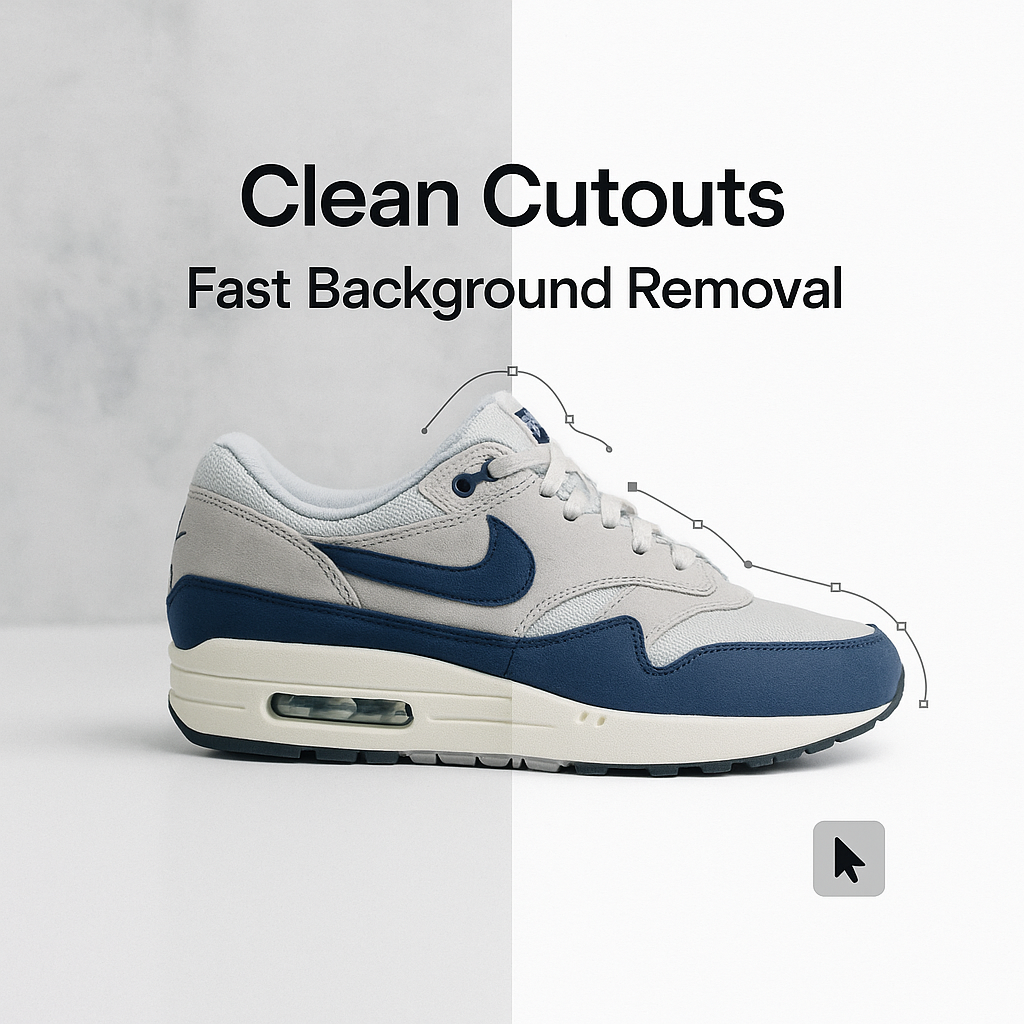
Photo Cut Out Services

Photo Cut Out Services: Clean Backgrounds Fast

Photo cut out services help businesses create clean, professional product images without spending hours editing backgrounds. If you’ve ever tried removing backgrounds yourself, you already know how time-consuming it can be. If you have ever tried cutting a product out of a photo yourself, you already know the truth. It looks easy for about seven seconds. Then you zoom in. Then you see the hair. The fuzzy edges. The weird halo. The shadow that now looks like a stain. And suddenly it is 1:12 a.m. and you are still clicking around a shoe lace with a tool that feels like it was designed to test your patience. Photo cut out services exist for one simple reason: clean backgrounds sell. They also save you a ridiculous amount of time. This post is a practical breakdown of what photo cut out services actually do, when you should use them, how fast you can get results, what to watch out for, and how to get clean, consistent cut outs without babysitting every image. What “photo cut out” really means (and what it does not) People use different words for the same thing: Most of the time, you are paying for one outcome: your subject is separated from its background cleanly, so you can place it on white, transparent, a solid color, or a new scene. A proper cut out is not just “remove background and hope.” It is edge control. Good cut outs handle: What it does not mean, automatically: Some services bundle those extras. Many do not. Always confirm what you are actually buying. Why clean backgrounds matter more than people admit A clean background is not just an aesthetic thing. It is functional. 1. Marketplaces literally require it Amazon, Walmart, eBay, Etsy, Shopify themes, ad platforms. Many of them prefer or require a clean primary image. Especially white backgrounds for main product shots. And even when it is not required, it is rewarded. Click through rates usually go up when shoppers can understand the product instantly. This post in a photography group discusses the importance of having a clean background in product photography. 2. Consistency makes a brand feel bigger Ten products photographed on ten different backgrounds looks like a garage sale. Ten products cut out the same way, aligned the same way, with consistent margins and shadows. That looks like a real store. Even if you are a team of one. 3. It makes everything else easier Once a product is isolated, you can reuse it everywhere: It is not just one edit. It is an asset you can reuse for months. The main types of photo cut out services (pick the right one) Not every image needs the same technique. The best services will choose the method based on edges, texture, and what you plan to do with the file. Clipping path (best for hard edges) This is the classic method. A human draws a precise path around the object. Perfect for: Pros: very clean, very controllable. Cons: struggles with hair, fur, transparent items. For those facing challenges in achieving that perfect white background for their product photos, this Adobe community discussion offers valuable insights on effective techniques to extract images and achieve desired background results. Image masking (best for hair, fur, soft edges) Masking is how you cut out fuzzy or semi transparent edges without making them look like cardboard. Perfect for: Pros: natural edges. Cons: takes longer, costs more than a basic clipping path. Transparent and reflective objects handling Glassware and shiny items are their own category. Good cut out work here often includes keeping natural highlights and controlling edge contamination from the original background. If a service says “we remove backgrounds for glass in one click,” be careful. That is usually where quality falls apart. Shadow creation and shadow preservation A cut out with no shadow can look like it is floating. Sometimes that is fine. For catalogs, often it is not. Options you will hear: Tell them what you want. “Shadow included” is vague. How fast can you actually get clean backgrounds? Speed depends on three things: In practice, many providers can turn around basic product cut outs in 24 to 48 hours. Some offer same day or even a few hours for small batches. But here is the thing. Fast is good, until it is sloppy. If you are on a deadline, do this instead of praying: That tiny extra step saves you from getting 300 images back with weird halos. DIY vs photo cut out service: when to stop doing it yourself You can absolutely do it yourself in Photoshop, Photopea, Affinity, Canva, whatever. For a few images, sometimes it is faster. But if you are in any of these situations, outsourcing is usually the move: A good cut out service is basically like having a production desk that does the boring precision work while you run the business. What you should send (and what to ask for) This part matters. The biggest “bad results” stories are not always the editor’s fault. They often come from unclear instructions. When you place an order, include: 1. Output type Choose one: If you do not know, ask for PNG and PSD. PNG for use, PSD for safety. 2. Background requirement Be specific: Yes, pure white matters if you are selling on marketplaces. 3. Shadow instructions Pick one: 4. Cropping and margins Do you want: This affects how your listings look in grids. 5. Quality reference If you have an example of how you want it to look, send it. A screenshot is fine. A lot of services can hit your style if you show them. They cannot read your mind from “make it clean.” Common mistakes that make cut outs look cheap If you are judging results, these are the red flags: The halo effect A faint outline around the subject, usually from bad automated removal or poor masking. It screams “edited.” Jagged edges Especially on curves. It means the path was sloppy or over compressed. Over smoothed edges

Photo Cut Out Services: Clean Backgrounds Fast Read More »

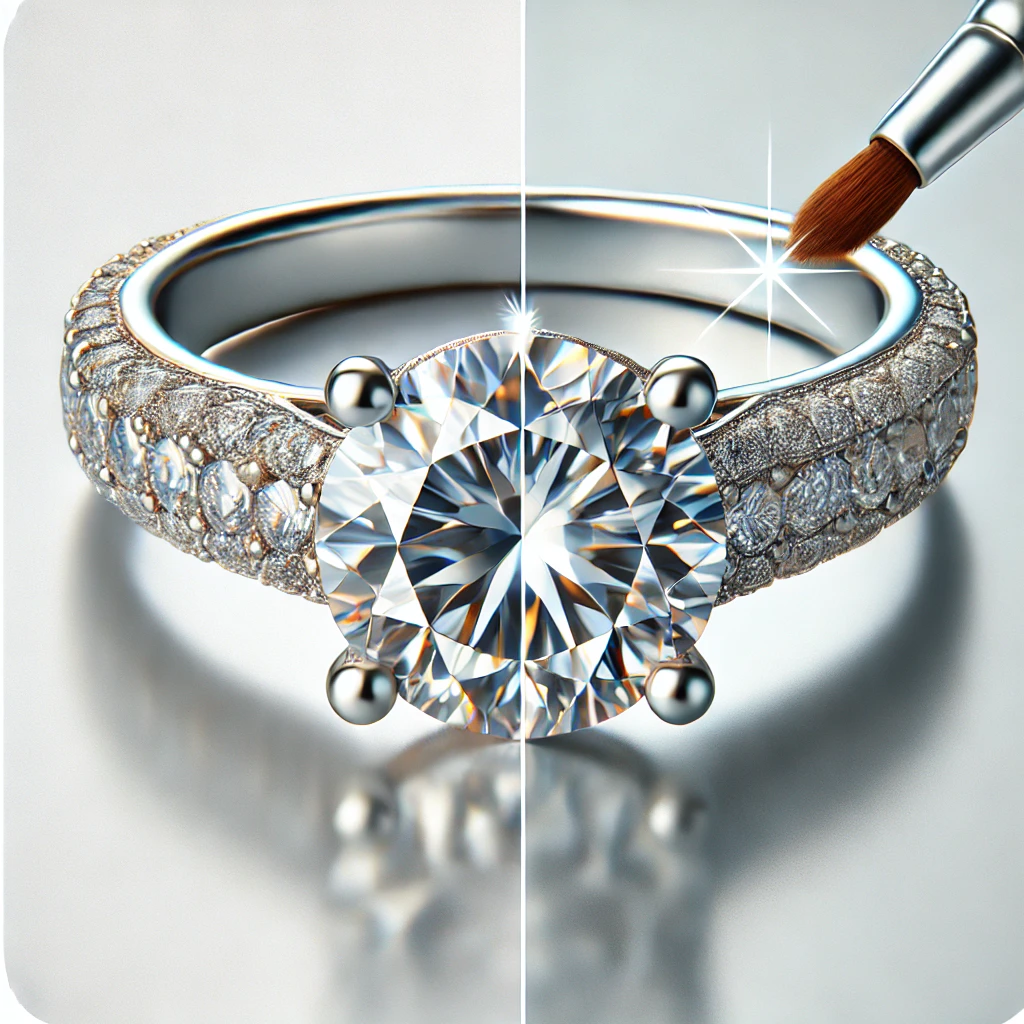
DALL·E 2025 01 14 01.56.14 A visually stunning close up image of a diamond ring on a clean white background showcasing professional jewelry retouching. The ring sparkles with e

Top 5 Reasons to Invest in Professional Jewelry Retouching Services

Jewelry photography demands absolute perfection. Even the smallest dust spot, reflection, or color inconsistency can reduce perceived value and affect buying decisions. That’s why leading brands rely on professional jewelry retouching services to create flawless visuals that attract customers and increase conversions. At Patheditz, we help jewelry businesses transform raw images into polished, high-end product photos that stand out across eCommerce platforms, catalogs, and advertising campaigns. Here are the top five reasons investing in professional jewelry retouching is essential for your brand.   1. Showcase Fine Details with Crystal-Clear Precision Jewelry buyers care deeply about details—stone clarity, metal texture, engravings, and reflections. Raw photos often fail to capture these elements accurately. Professional jewelry retouching enhances: Gemstone brilliance Metal shine and smoothness Sharp edges and fine craftsmanship Natural reflections without glare With expert retouching, every detail becomes visible, helping customers trust your product quality.   2. Remove Imperfections That Distract Buyers Even professional photography can capture unwanted flaws such as: Dust and scratches Fingerprints Uneven lighting Color inconsistencies These imperfections reduce visual appeal. Professional retouching removes these distractions while preserving realism—so your jewelry looks authentic yet refined.   3. Build a Consistent Brand Look Across Your Catalog Consistency builds credibility. When all your jewelry images follow the same lighting, color tone, and background style, your brand appears larger and more professional—even if you’re a small business. Jewelry retouching ensures: Uniform backgrounds Balanced brightness Matching product tones Consistent shadows and alignment This creates a premium shopping experience across your website, ads, and marketplaces.   4. Increase eCommerce Conversions and Customer Trust Online shoppers can’t touch your products—they rely entirely on visuals. High-quality retouched images: ✔ Improve click-through rates✔ Reduce return rates✔ Increase perceived product value✔ Build buyer confidence Clean, professionally edited jewelry photos directly influence purchasing decisions.   5. Save Time While Getting Studio-Quality Results Jewelry retouching requires advanced skills and hours of detailed work. Outsourcing to professionals allows you to focus on sourcing, marketing, and customer service—while experts handle the editing. At Patheditz, we deliver: Fast turnaround Scalable editing for bulk orders Pixel-perfect results Secure file handling You get studio-level quality without in-house effort.   Why Choose Patheditz for Jewelry Retouching? At Patheditz, we specialize in high-end jewelry image editing tailored for eCommerce and marketing. ✔ Experienced jewelry retouching team✔ Manual editing (not automated tools)✔ Transparent pricing with bulk discounts✔ Natural shine and realistic finish✔ Fast delivery✔ Free trial available We work with jewelry brands, photographers, and online sellers worldwide to deliver images that truly sparkle.   Get Professional Jewelry Retouching Today Want your jewelry photos to stand out and convert better? 👉 Request a Free Trial👉 Upload Your Images Let Patheditz elevate your jewelry visuals with precision retouching.   FAQs What is jewelry retouching? Jewelry retouching is the process of enhancing product photos by removing imperfections, improving shine, adjusting colors, and refining details for professional presentation. Is jewelry retouching important for eCommerce? Yes. Professional jewelry retouching improves visual quality, builds trust, and increases online sales. How long does jewelry retouching take? Most orders are completed within 24–48 hours depending on complexity.

Top 5 Reasons to Invest in Professional Jewelry Retouching Services Read More »